
How to Keep Comic Characters Consistent Across AI-Generated Pages
A practical creator guide to making characters feel recognizable from one AI comic page to the next.
Reality check
AI character consistency comes from a reference sheet for each recurring character, clear character details in the story, a stable project style, and reviewing pages as a sequence instead of accepting every first result.
Why characters change in AI comics
When a story becomes many images, the image model has to imagine the character again and again. If the story only says "the boy" or "the woman," the model may change the face, clothing, hair, or age from page to page.
This is why each recurring character gets a reference sheet: drawn once and attached to every page they appear on, so the face comes from the same picture every time. The clearer your story describes them, the closer that sheet matches the person you imagined.
Give each important character visual anchors
A visual anchor is a detail readers can recognize quickly. It might be silver hair, a red scarf, a round pair of glasses, a scar across the eyebrow, a long blue coat, a wooden sword, or a small black cat that follows the hero.
You do not need to overload every scene with description. But when a character first appears, include the details that matter. Later scenes can repeat the most important anchors when the character needs to remain recognizable.
Weak description
A young mage walks into the room.
Stronger description
A young mage with silver hair, a dark green cloak, and a cracked amber staff walks into the candlelit room.
Set one art direction for the whole project
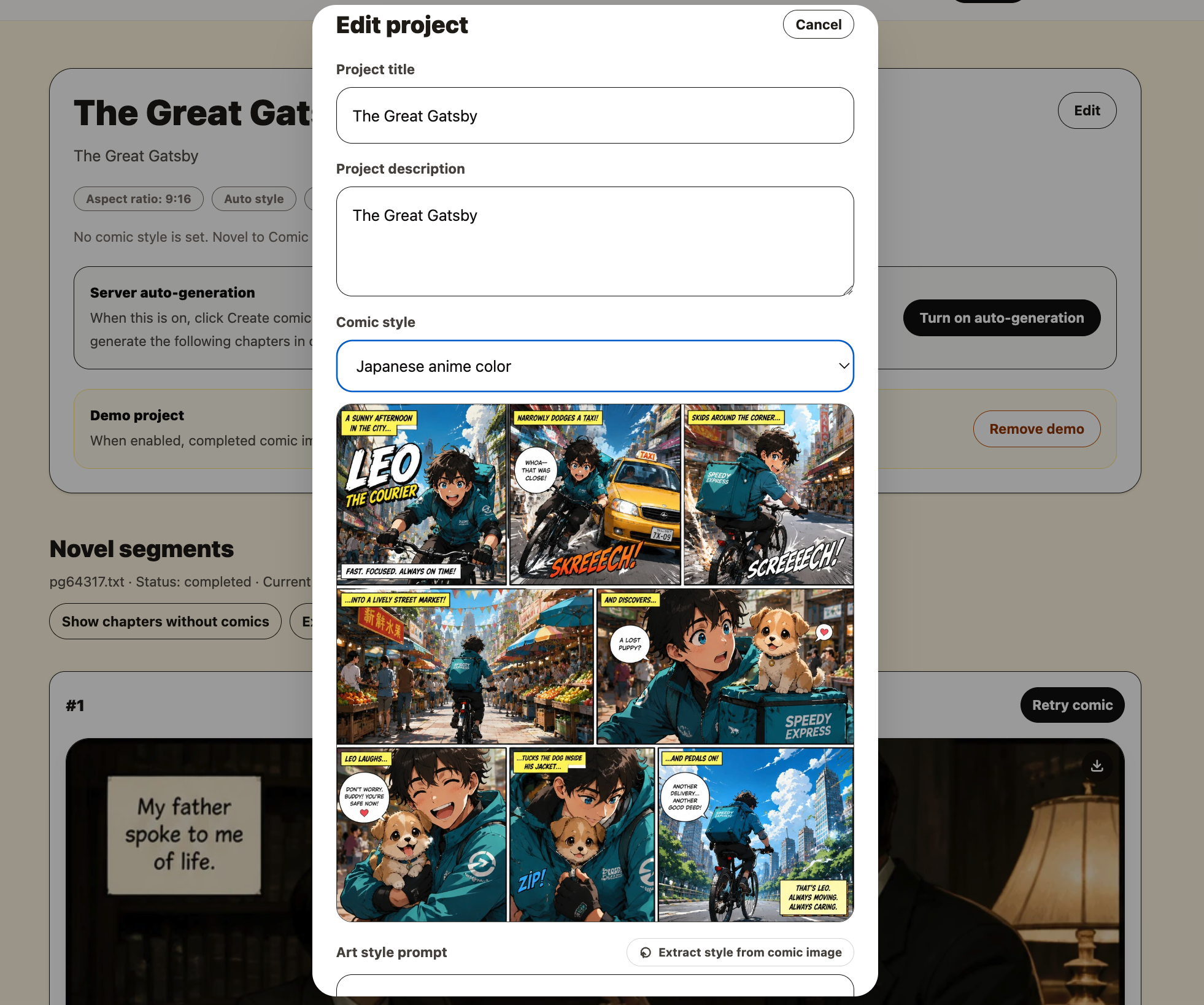
Even if a character keeps the same hair and outfit, the comic can still feel inconsistent if the art style changes. A stable style makes the whole project feel intentional. Choose a preset style, write your own style prompt, or extract a style from a comic image you like.
For example, do not mix soft watercolor for one page, gritty noir for the next, and bright chibi for the page after that unless the story intentionally needs those changes.
Generate pages in story order
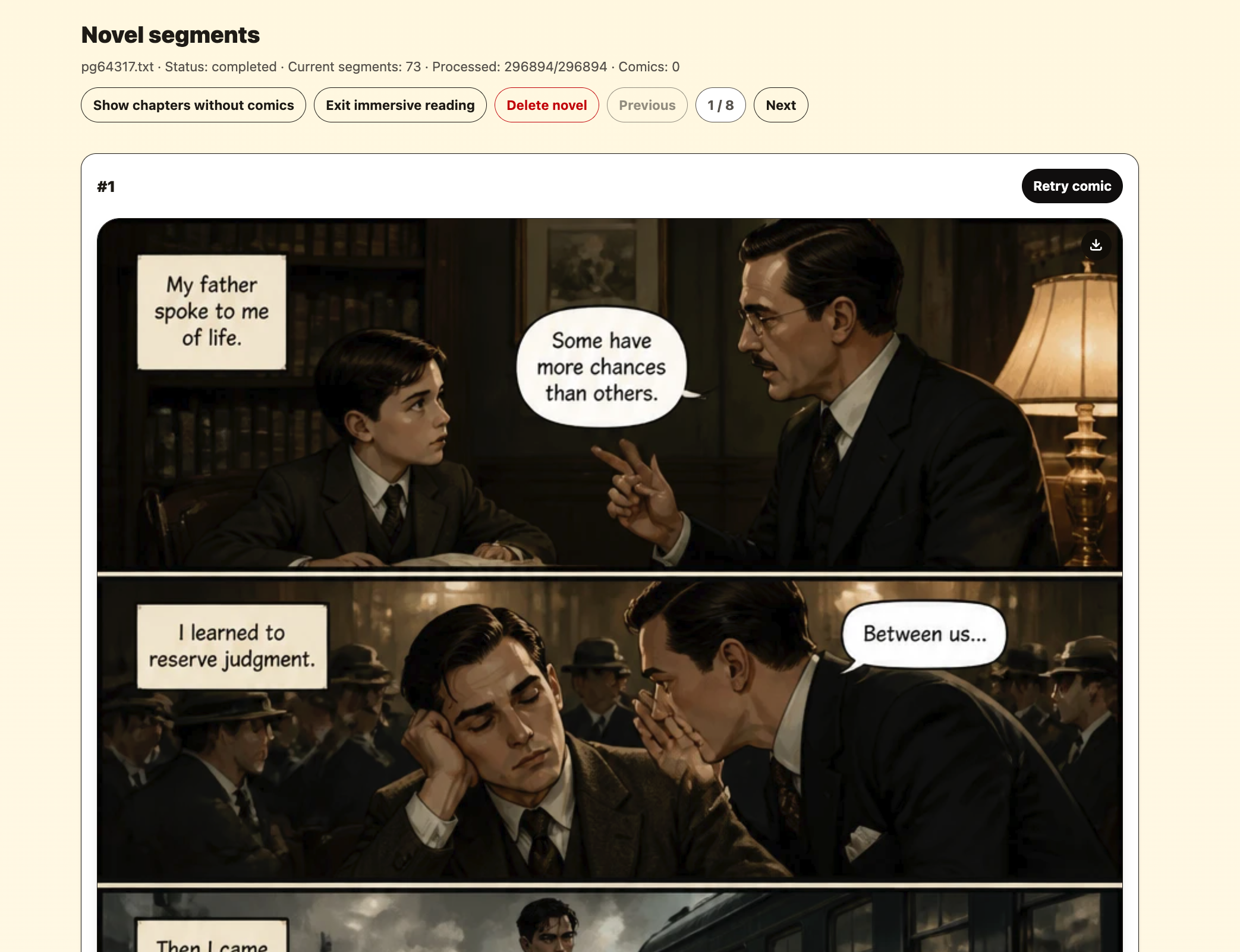
If you jump around the story, the comic becomes harder to review. Start at the beginning and move forward: it reads the way your readers will read it, and each character is set up in the chapter where they first appear.
This matters most for scenes that happen close together: a conversation across several pages, a fight sequence, a chase, or a chapter where the same characters stay in the same location.
Fix the source scene when the image drifts
If a character looks wrong on every page, the sheet is the problem: open the material library, correct their description and redraw the sheet — every page drawn afterwards uses the new one. If only one page is off, tell the assistant what is wrong and it redraws that page.
Check the scene text too: does it say who is present and what they are wearing? The sheet decides the face; the text decides the clothes, the pose and everything else.