How to Turn a Novel into a Comic Book with AI
A complete beginner-friendly guide to turning a written story into a sequence of AI comic pages.
Before you start
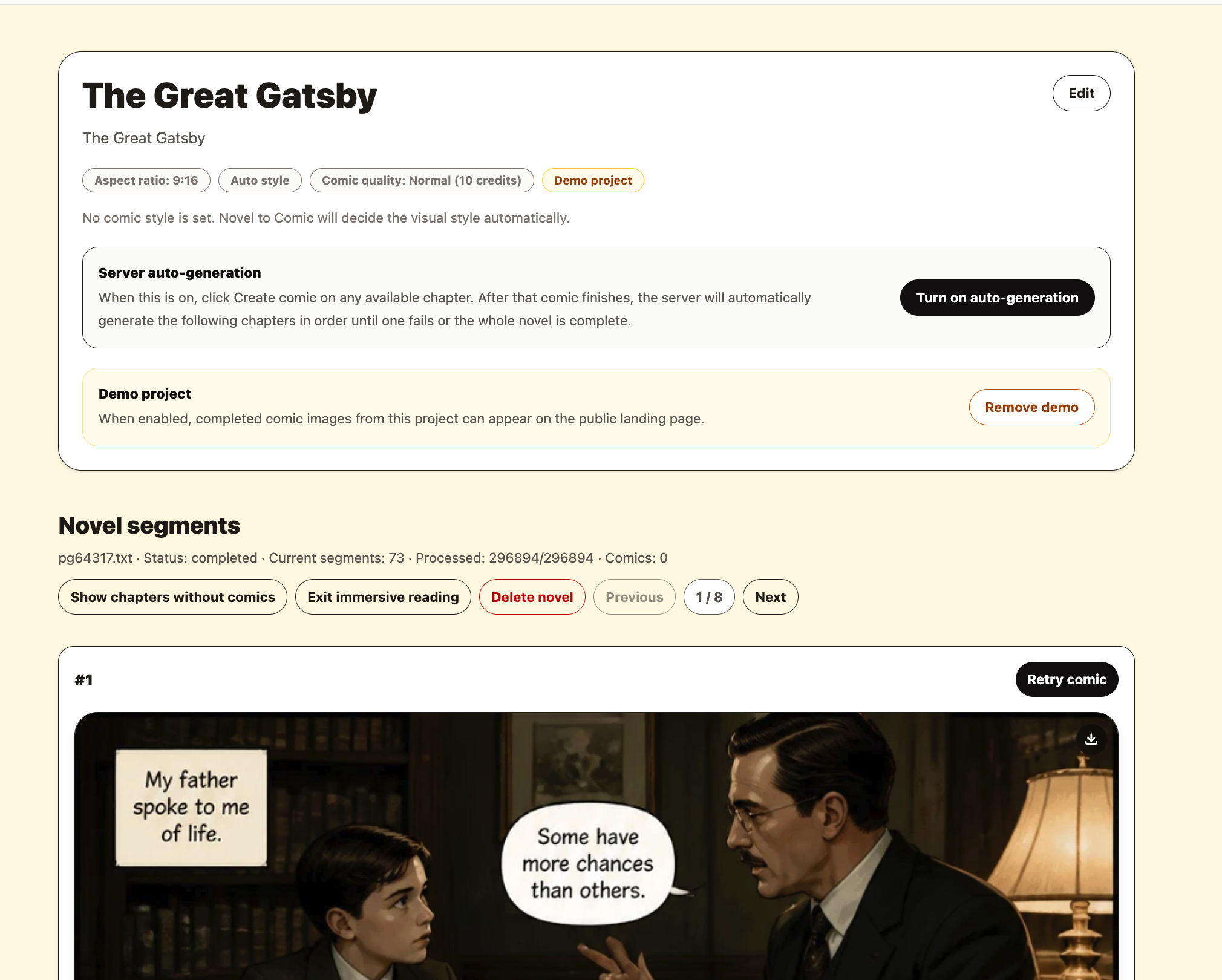
Turning a novel into a comic is not about making one beautiful image. It is about turning a long story into many clear, connected visual moments.
1. Prepare a clean version of your story
Start with the cleanest version of your manuscript. Remove table of contents text, repeated website headers, unrelated notes, and anything that should not become part of the comic. The clearer the story text, the easier it is to turn into visual scenes.
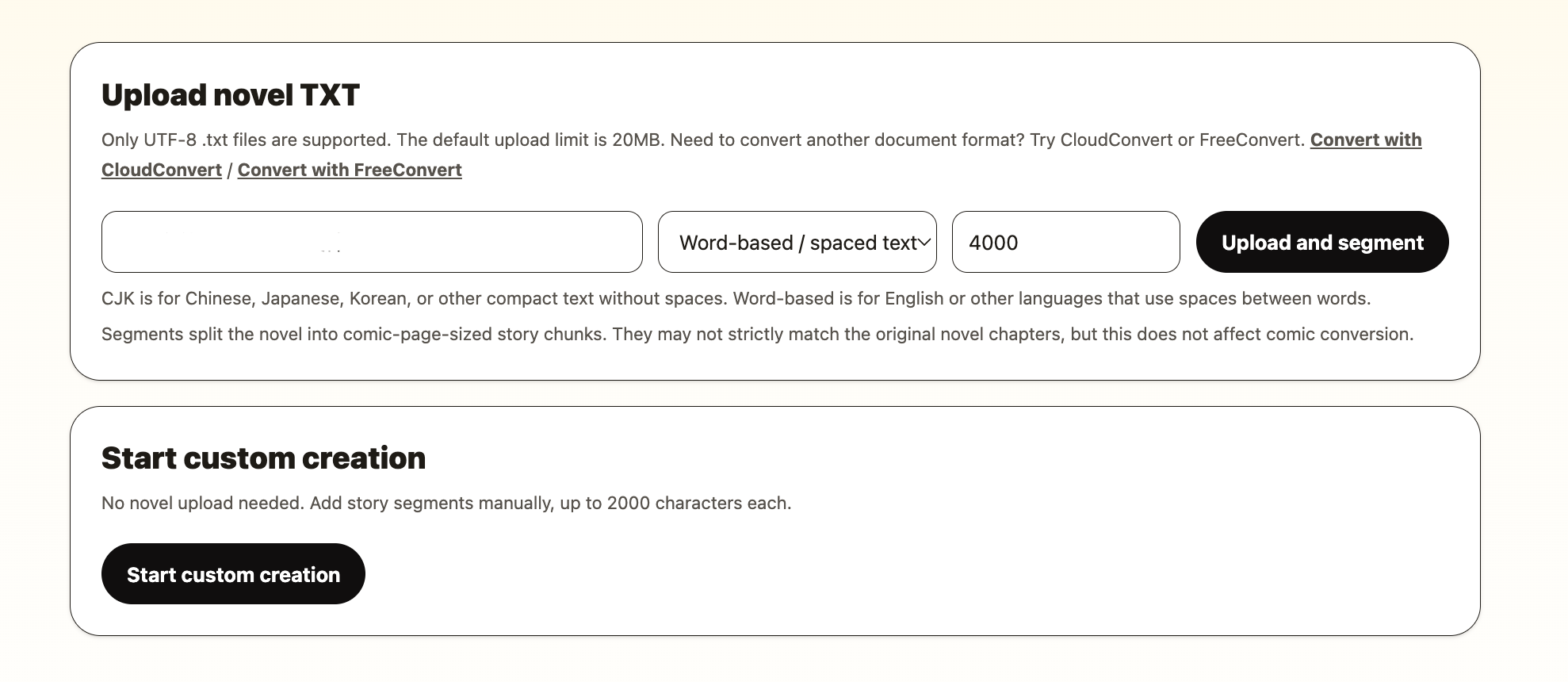
For a full novel, a plain UTF-8 .txt file is the easiest format; it is split into chapters for you. If you are still writing, or only want to test a few scenes, write chapters by hand instead — paste or type one chapter at a time.
2. Think in scenes, not single images
A common mistake is expecting one chapter to become one comic image. A chapter may contain a conversation, a flashback, a fight, a change of location and an emotional reveal — far too much for one picture. That is why each chapter is drawn as a sequence of four-panel pages: the assistant lists the chapter's beats and gives each page four of them.
Instead, think in scene-sized moments: a character entering a room, a confession, a chase, a discovery, a duel, a farewell, or a quiet reaction after something important happens.
Scene test
If the moment can be described in one clear sentence, it is usually a good candidate for one panel.
3. Choose a visual style before generating pages
A comic should feel like one project, not a random collection of images. Before you generate pages, choose the look you want: black and white manga, colorful webtoon, Chinese manhua, dark graphic novel, watercolor fantasy, cyberpunk neon, or another style that fits your story.
If you already have a favorite comic look, you can describe it in plain language. You can also upload a comic image as a reference and use the extracted style description as a starting point. The goal is to give the whole project a stable art direction.
4. Generate the first few pages as a test
Do not generate an entire novel blindly. Start with the first two or three chapters. Look at the results and ask simple questions: Do the characters feel right? Is the style close to what you want? Are the pages too crowded? Is the story easy to understand?
Too crowded?
Move the chapter boundary so it holds one scene, or ask for that page to be redrawn with less in it.
Too empty?
Add a concrete action or setting detail to the chapter text, then ask for a redraw.
Wrong mood?
Change the art style before continuing.
5. Continue in story order
Comic pages work best when they are created in order. Starting from the beginning helps each new page follow the previous one more naturally. It also makes it easier for you to review the story as a reader would experience it.
For long projects, ask the comic assistant for a range of chapters rather than one page at a time. It works through them in order and reports back, so you do not need to click through hundreds of scenes by hand.
6. Review and download the pages you like
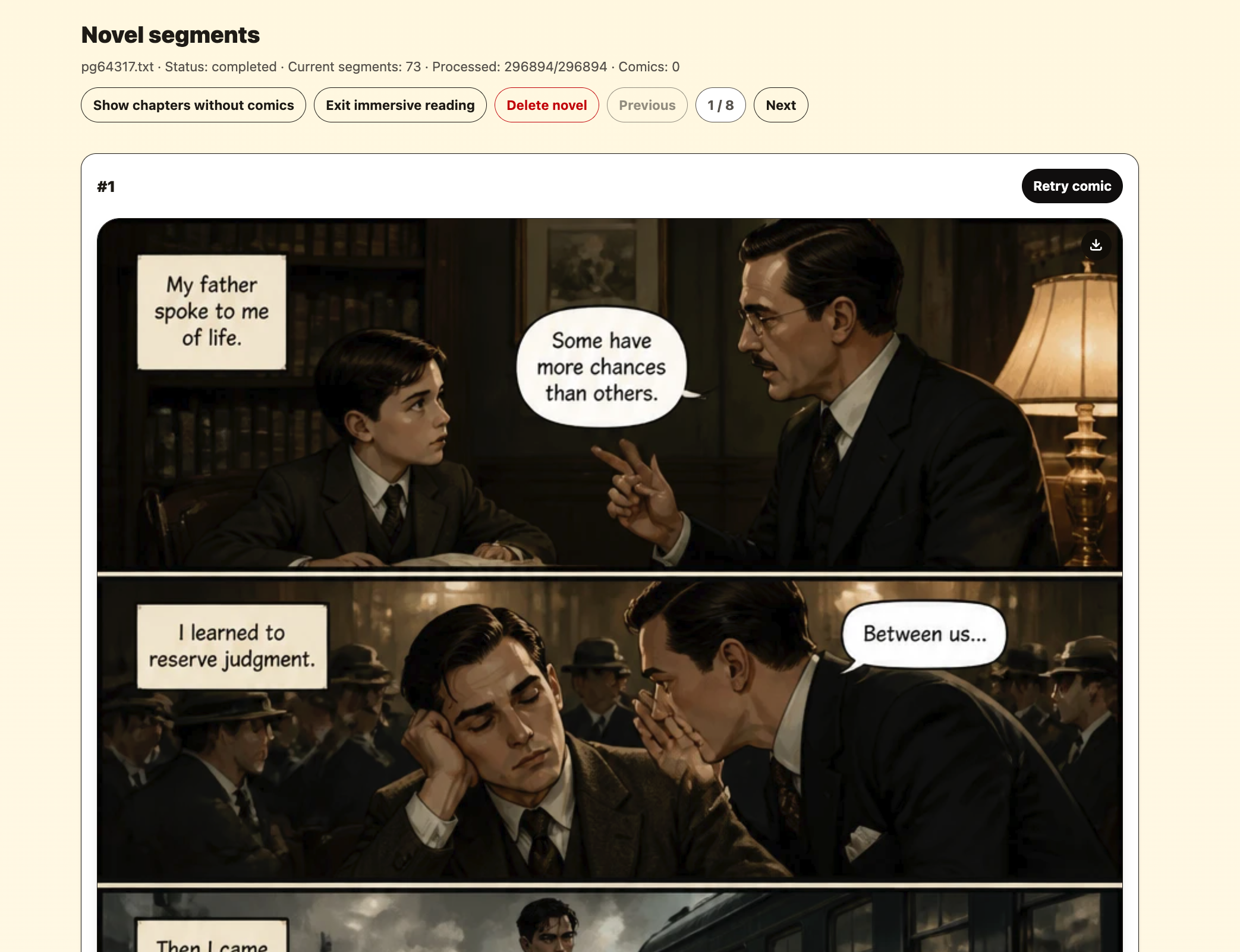
Once pages are drawn, review them as a sequence. Some pages may be ready to use immediately. Others may need a redraw with a specific change — "make it night", "she should look angry". Treat the first pass as visual drafting, not as the final edition.
When a page works, download it. You can use the images for web comics, reader updates, social posts, writing portfolios, personal storyboards, or early publishing experiments, as long as you have the rights to the original story and follow the rules of the platforms where you publish.
A simple checklist before you start
- Use a clean story file or paste clean scene text.
- Choose a style that matches the genre and emotion of the story.
- Generate only a few pages first, then adjust pacing and style.
- Create pages in story order for better continuity.
- Download strong pages and ask for weak ones to be redrawn instead of accepting every first result.
- Treat the first pass as visual drafting, not final publishing.
Final thought
The best AI comic projects still begin with good storytelling. AI can help you visualize scenes quickly, but your choices as the author still matter: what to show, where to pause, how the characters feel, and what visual style supports the story. Start small, review carefully, and build the comic one scene at a time.
Start creating