Novel to manga AI
Turn your novel into manga pages
Pick a manga look for the project, upload your novel, and ask for a chapter. The assistant draws four-panel manga pages with the cast kept consistent, in the language you choose for the speech bubbles.
- No drawing
- No prompts to write
- Same faces on every page
- No subscription
Real output
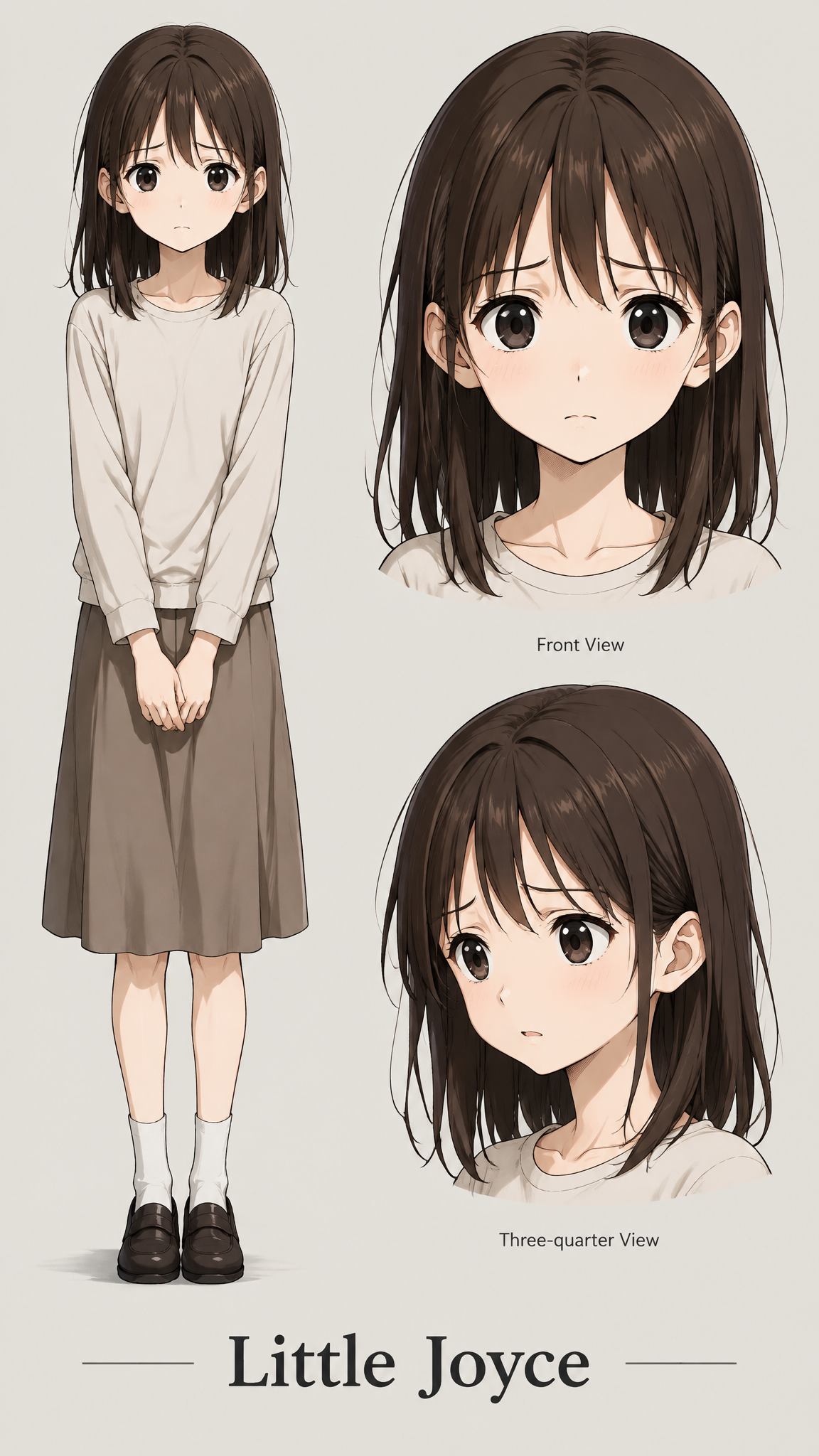
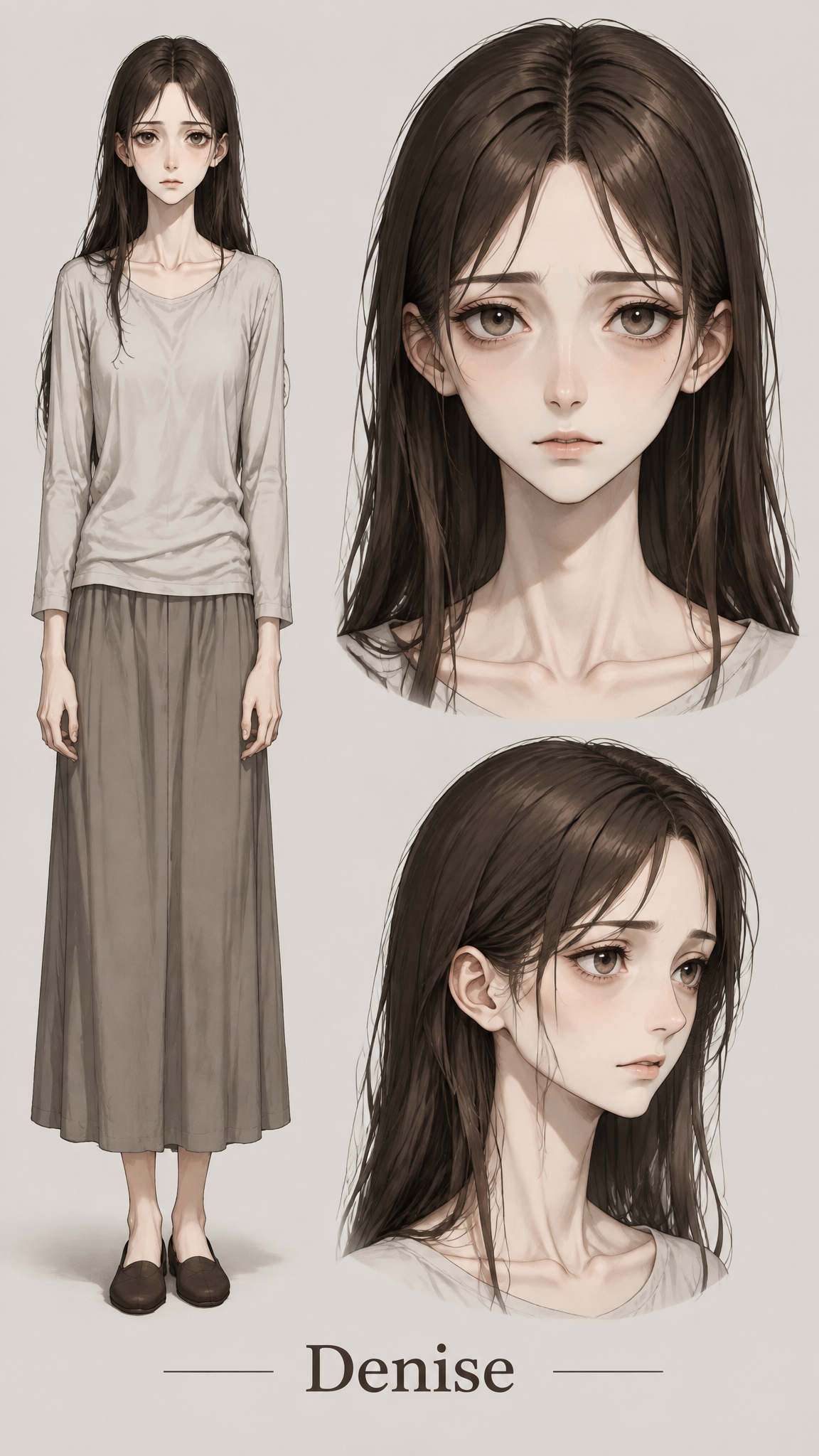
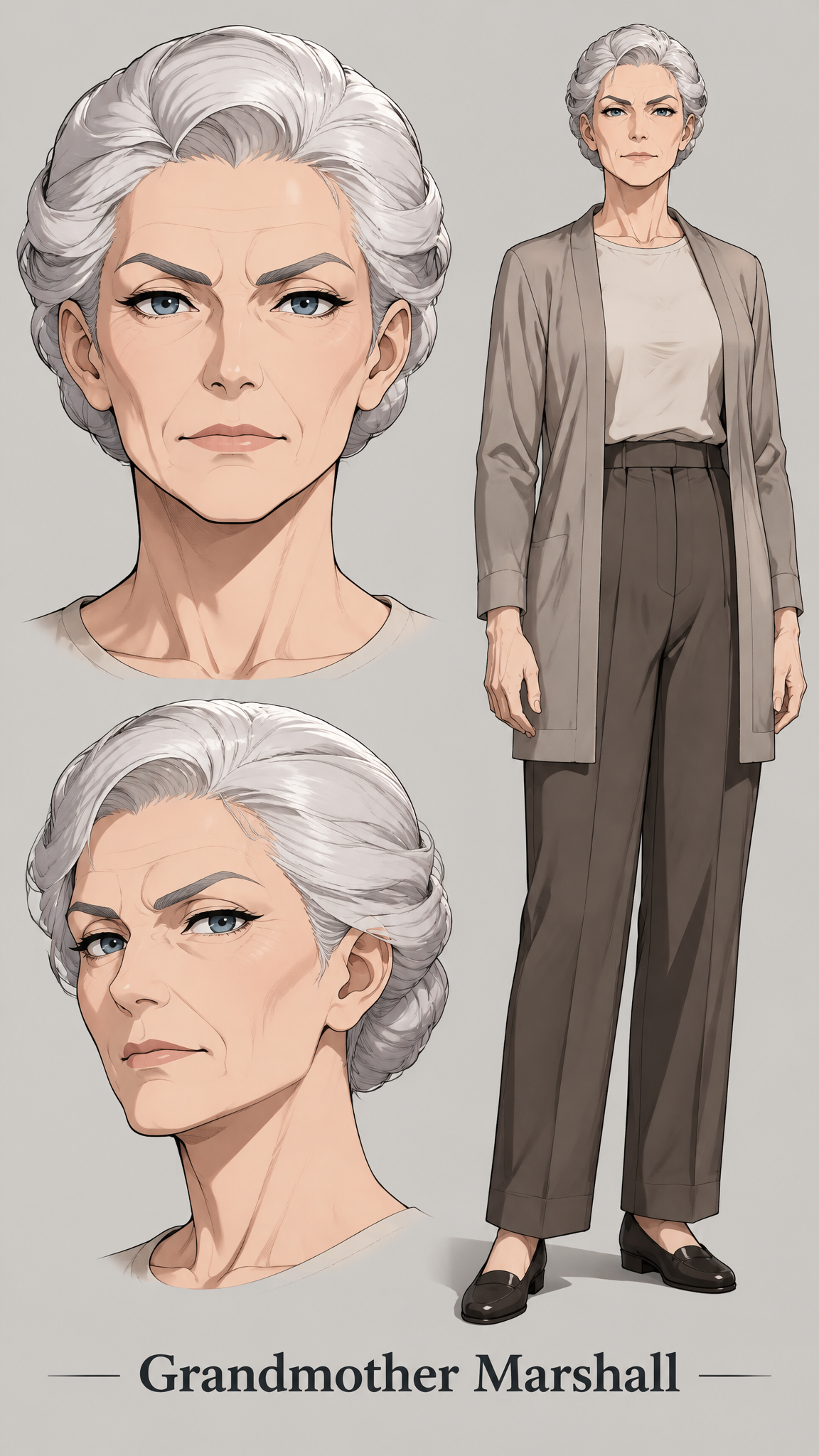
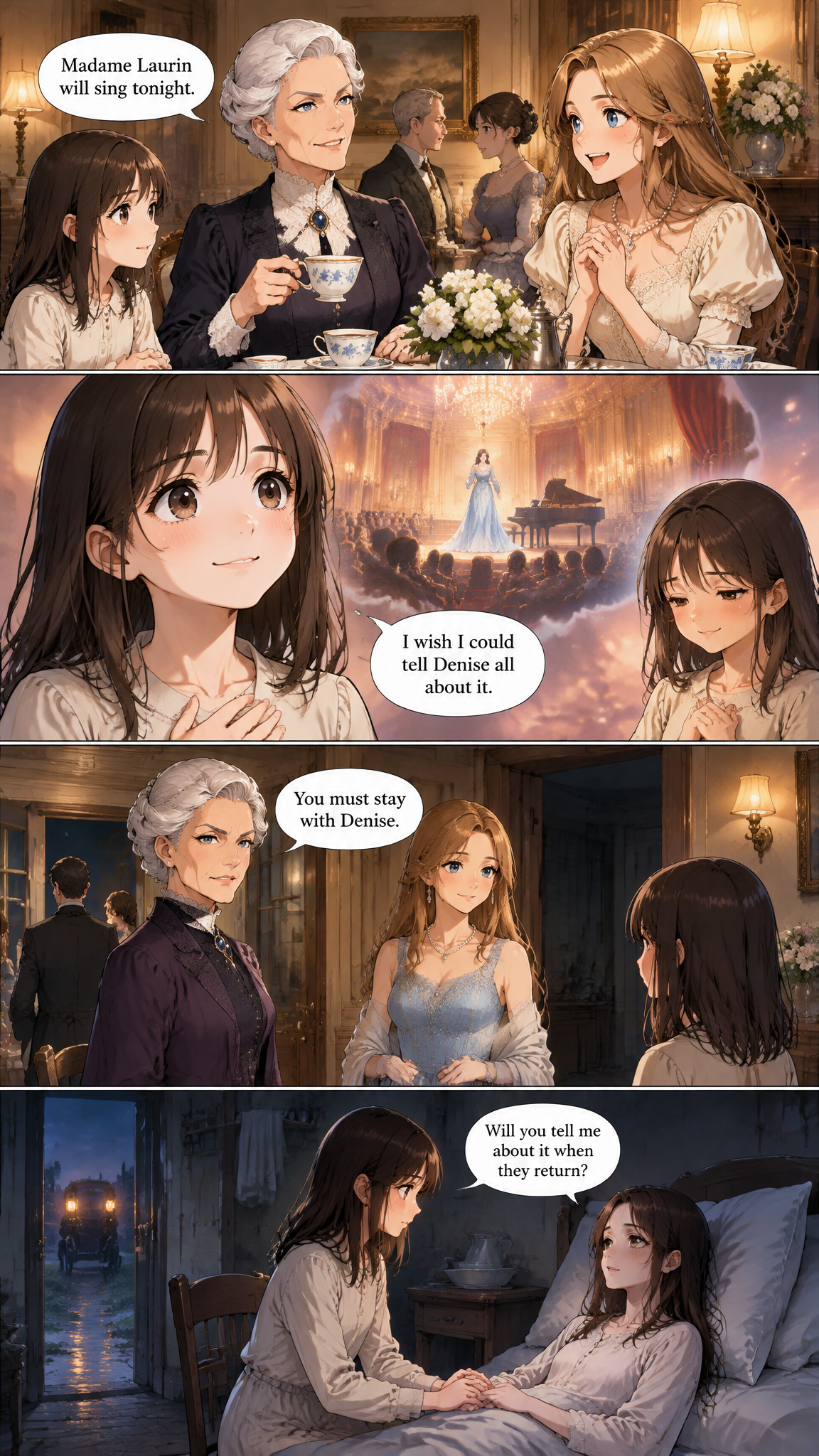
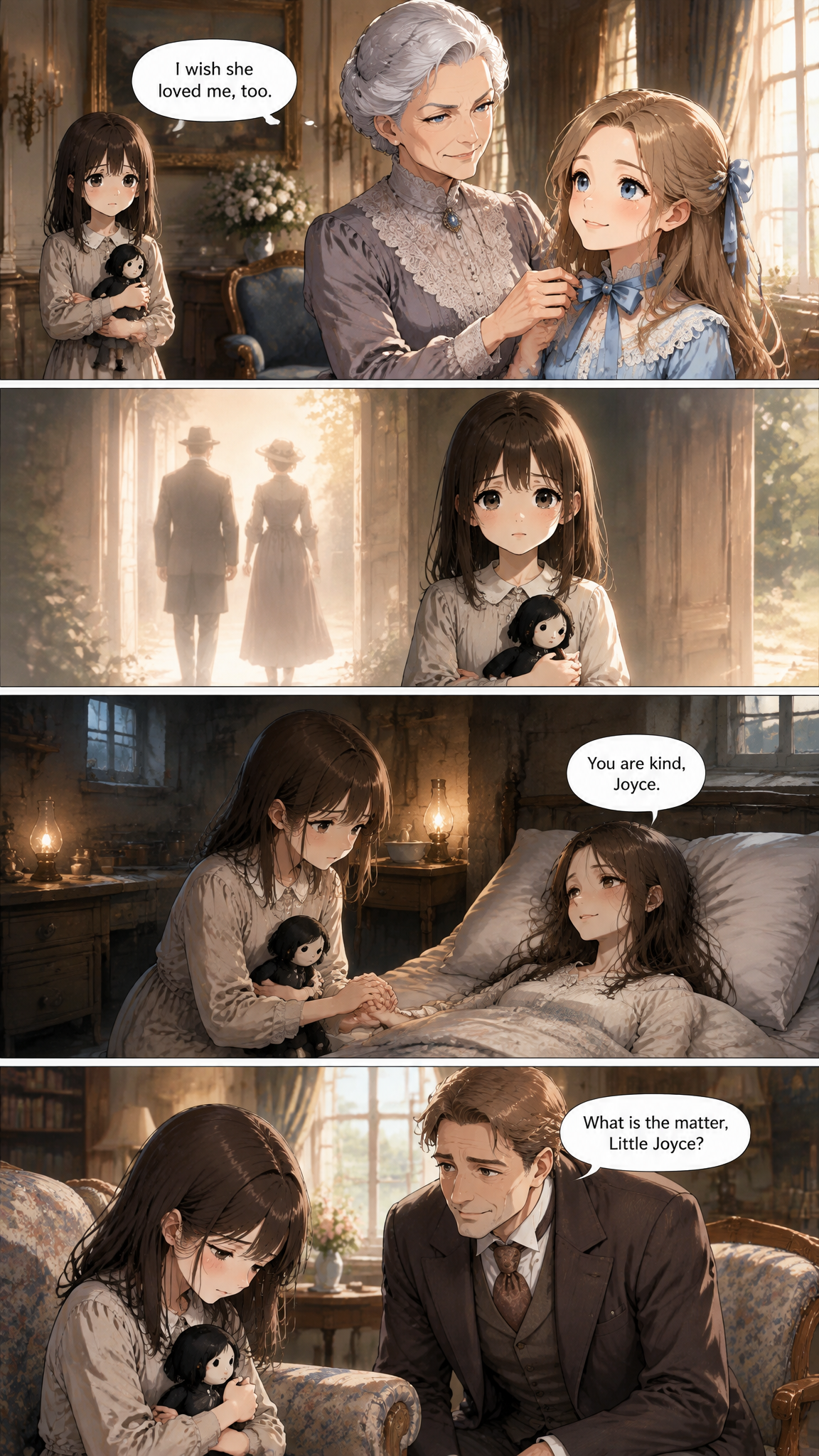
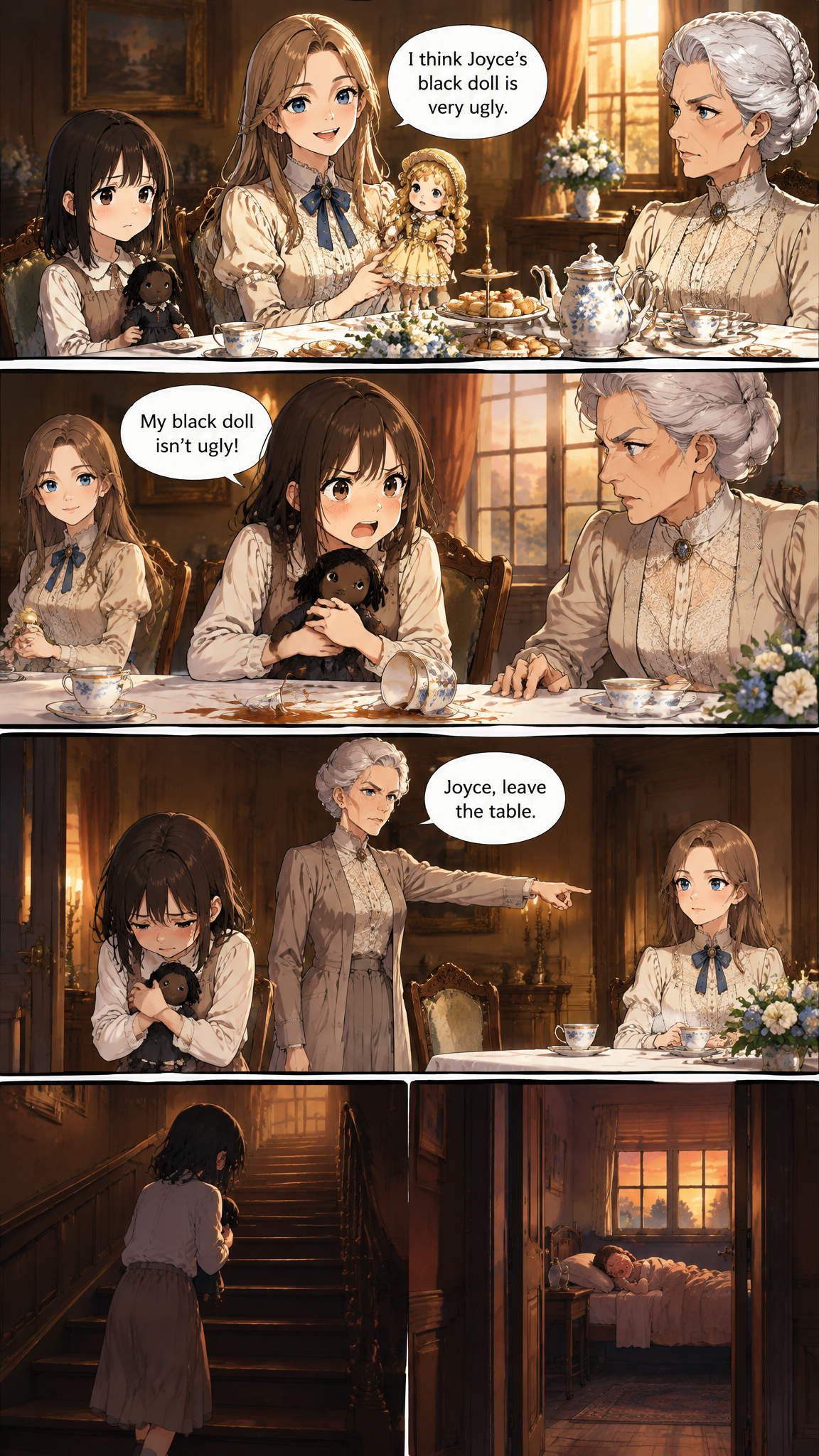
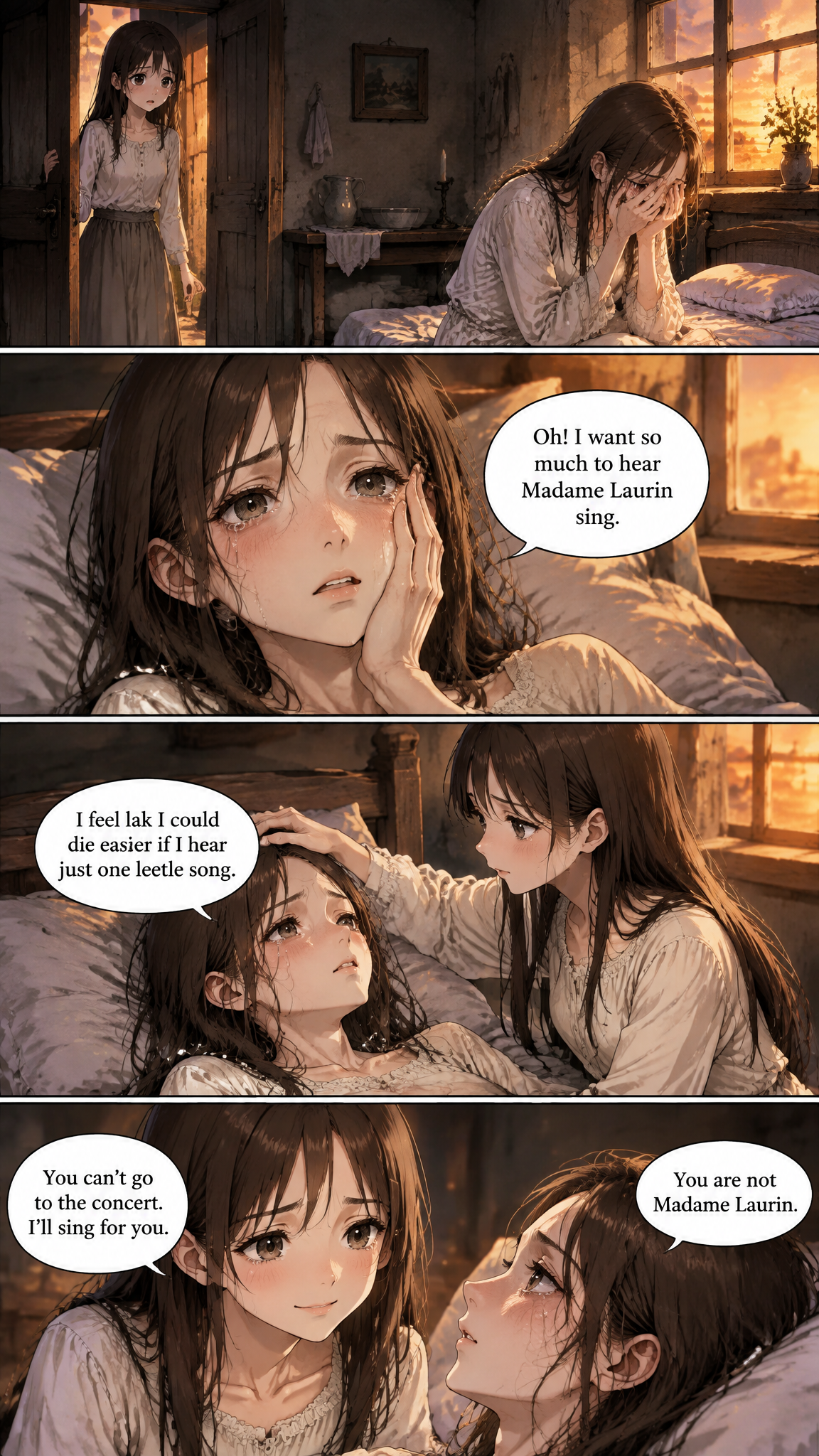
Pages drawn from The Little Black Doll
These are unedited pages from one of our demo projects, drawn by the same assistant you will use.
How it works
Three steps from text to pages
- 1
Choose the manga look
Start from the Japanese anime or Vibrant shonen anime preset, or describe the manga you want to resemble in your own words.
- 2
Bring the novel
Upload the TXT or paste chapters. English, Japanese, Chinese, Korean and European-language novels all work.
- 3
Ask for a chapter
Say which chapter to draw. The assistant sets up the main cast first, then draws the manga pages in reading order.
Why it works
What makes the pages worth reading
Manga pacing, four panels at a time
Each page is four panels. Fights and reveals are split across pages instead of squeezed into one, which is how manga keeps its momentum.
Speech bubbles in Japanese from an English novel
Set the comic language to Japanese and the text inside the panels is written in Japanese, even when the novel is in English.
Borrow the style of a manga you love
Upload a page from a manga you admire and the style extractor writes a matching style description for your project.
Characters stay on model
Hair, eyes and face come from each character's reference sheet, so the protagonist in chapter 12 is still the one from chapter 1.
Who uses it
Made for people who already have the story
Light novel and web novel authors
Preview your story as a manga before approaching an artist or a publisher.
Fantasy and isekai writers
Draw the world you describe, from the guild hall to the final boss.
Manga fans with a story idea
Write the chapter, then see it as manga pages the same day.
Translators and localizers
Test how a story reads when its bubbles are in another language.
Frequently asked questions
Can I make manga without being able to draw?
Yes. You write the chapter and choose the look; the assistant does all the drawing. You never touch a brush or write a prompt.
Are the pages black and white like printed manga?
The built-in manga presets are in color. If you want black-and-white screentone pages, describe that in the style field and every page follows it.
Can the dialogue be in Japanese?
Yes. Set the comic language to Japanese. You can also leave it on auto and the bubbles follow the language of your novel.
Does it read right-to-left?
Pages are drawn as single four-panel pages meant to be read in order. Panel order follows the numbering the assistant writes, not a fixed right-to-left layout.
More ways to turn words into comics
Guides worth reading
Your story is ready. The pages are not, yet.
Start a project, bring a chapter, and ask for it to be drawn.
Start my comic