Book to comic AI
Turn a book into a comic
Your manuscript already has everything a comic needs: people, places, and things happening. Upload it, choose how it should look, and ask for the chapters you want to see.
- No drawing
- No prompts to write
- Reusable character references
- No subscription
Real output
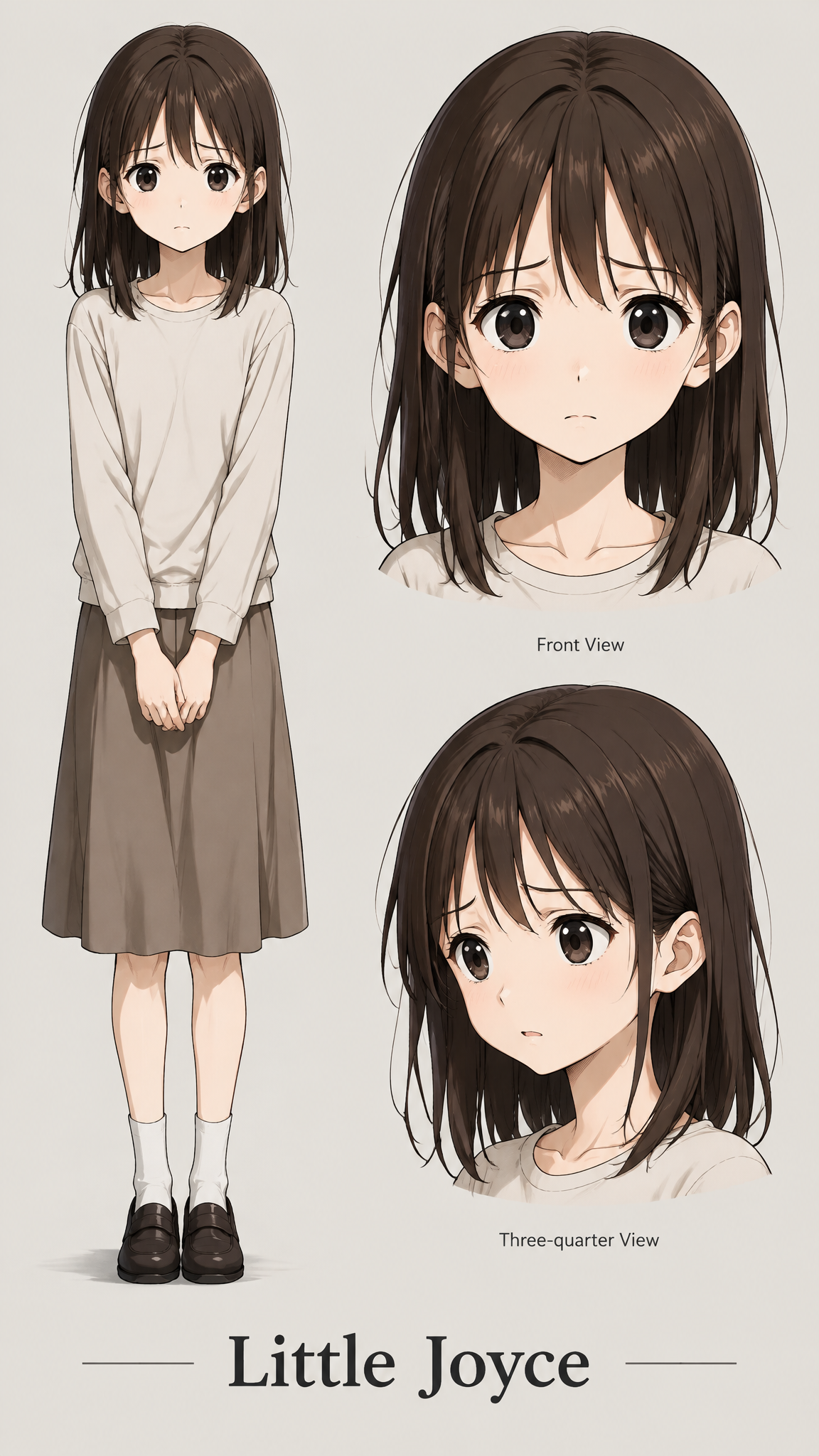
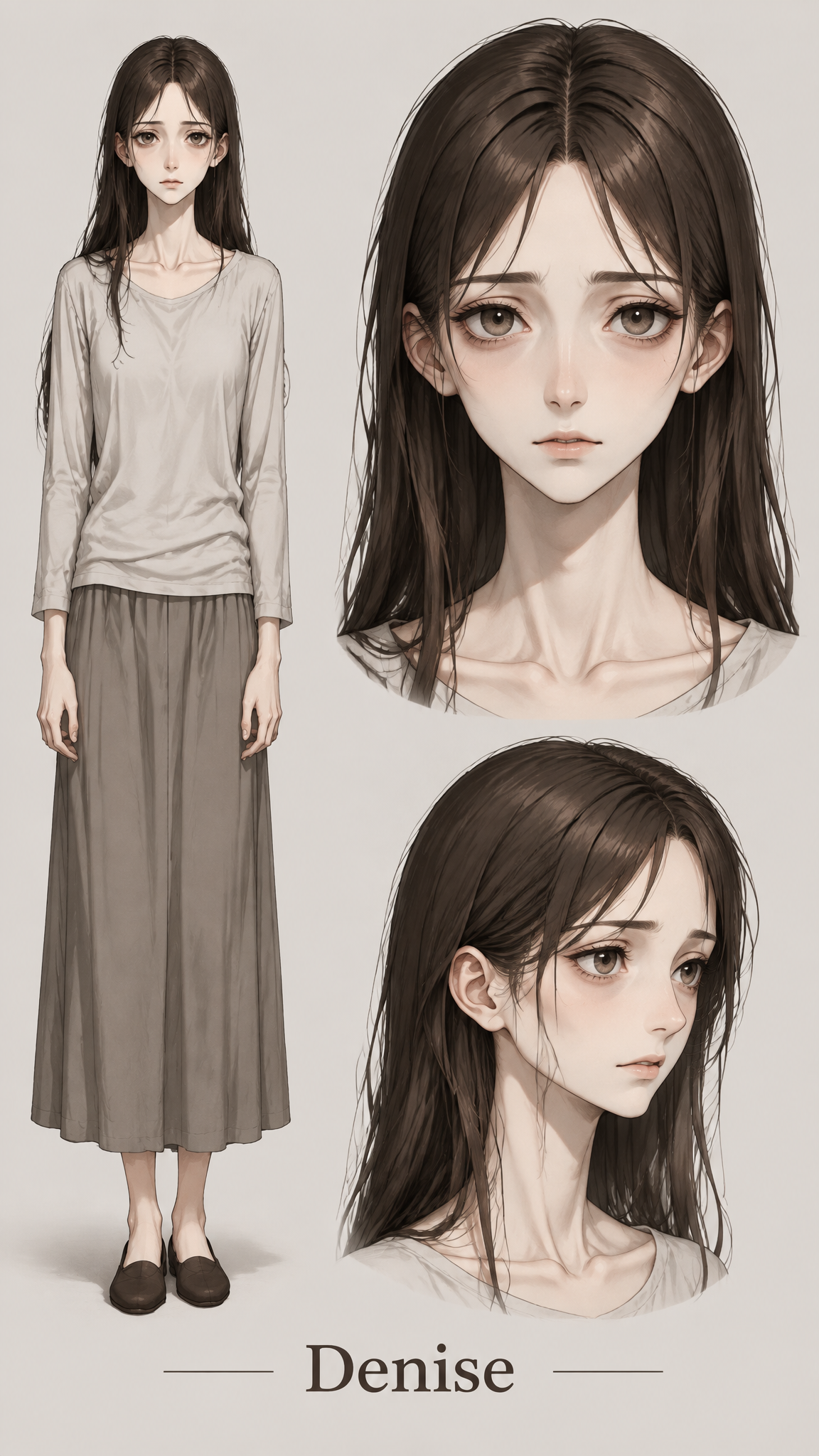
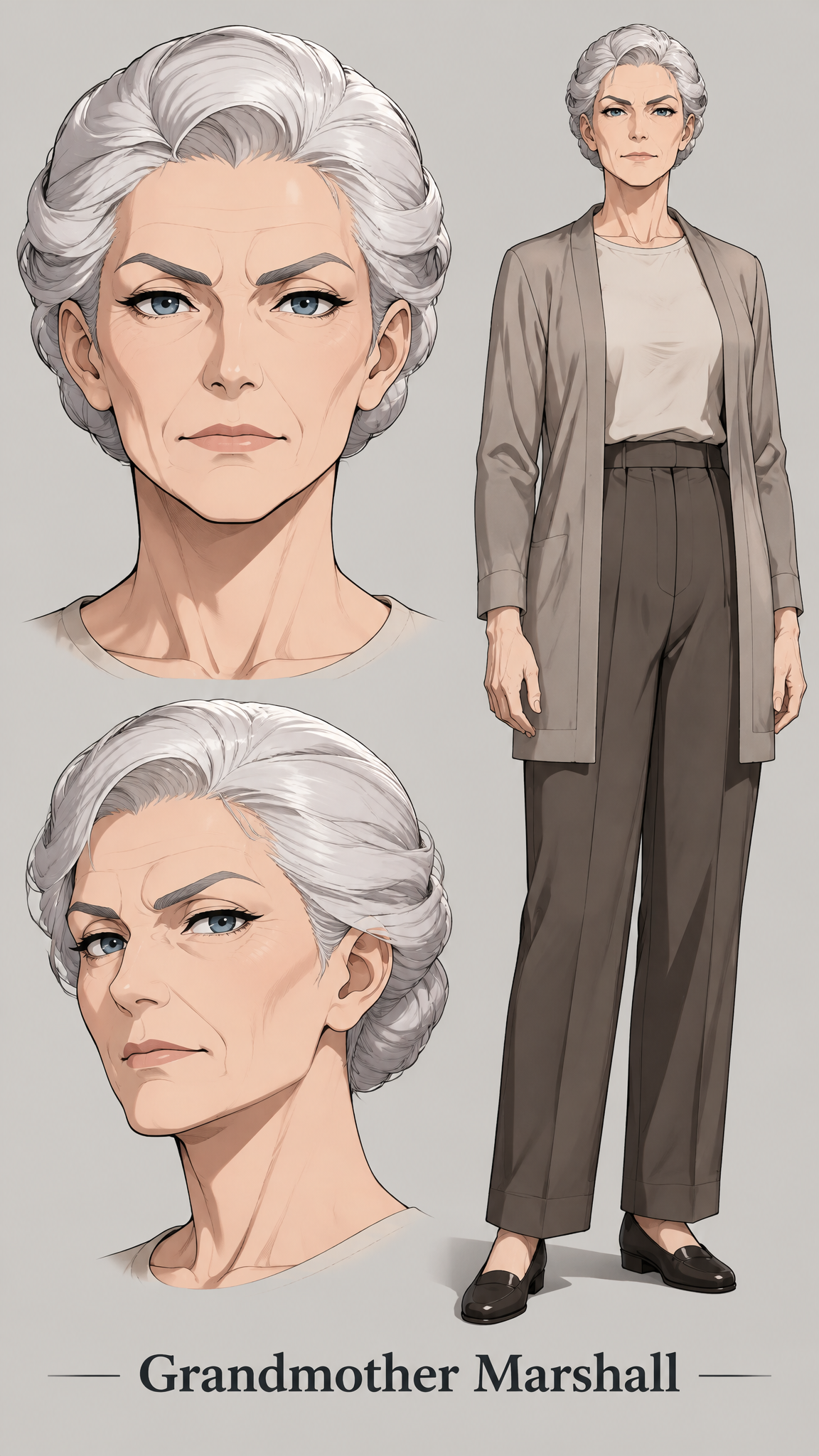
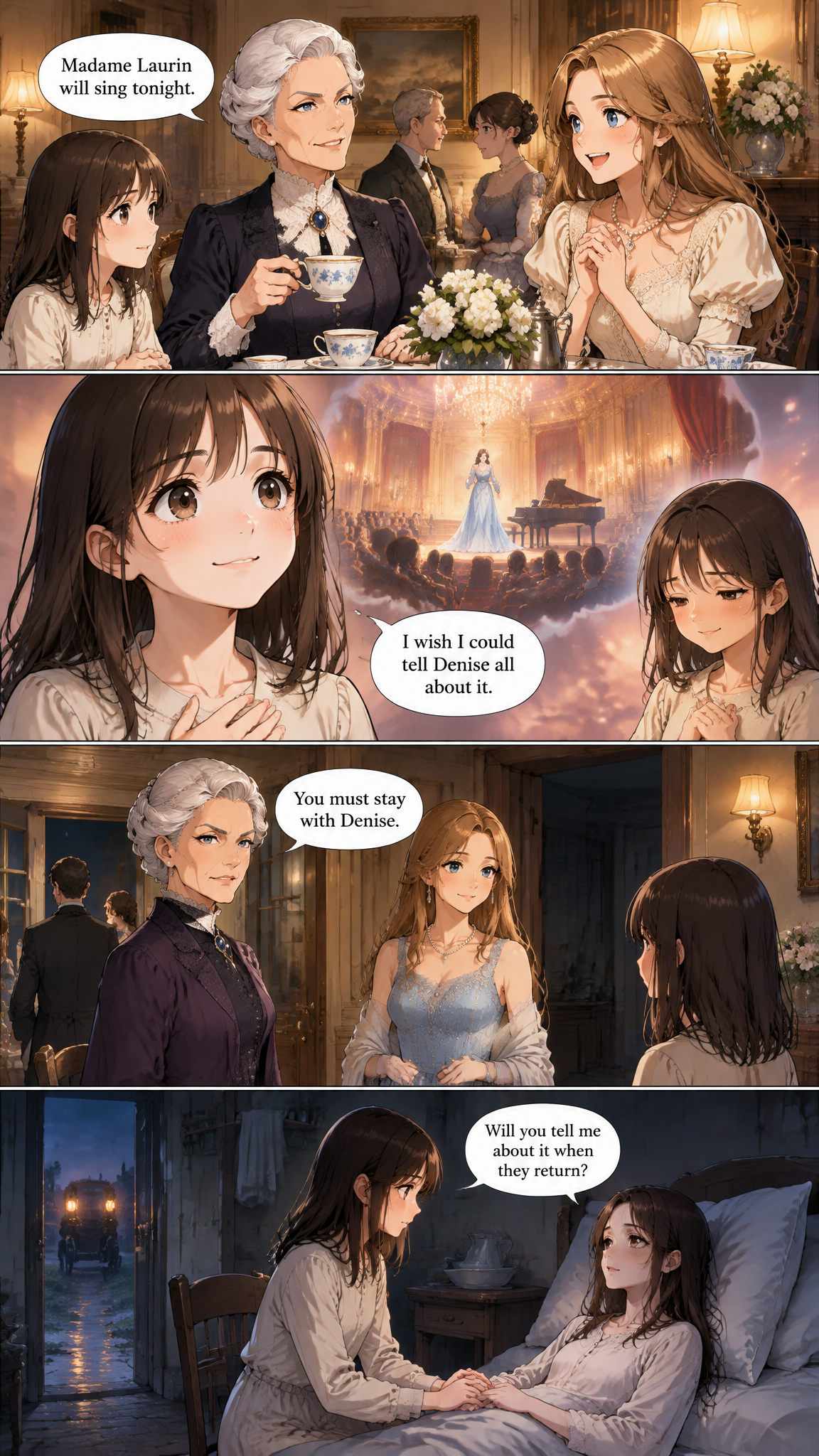
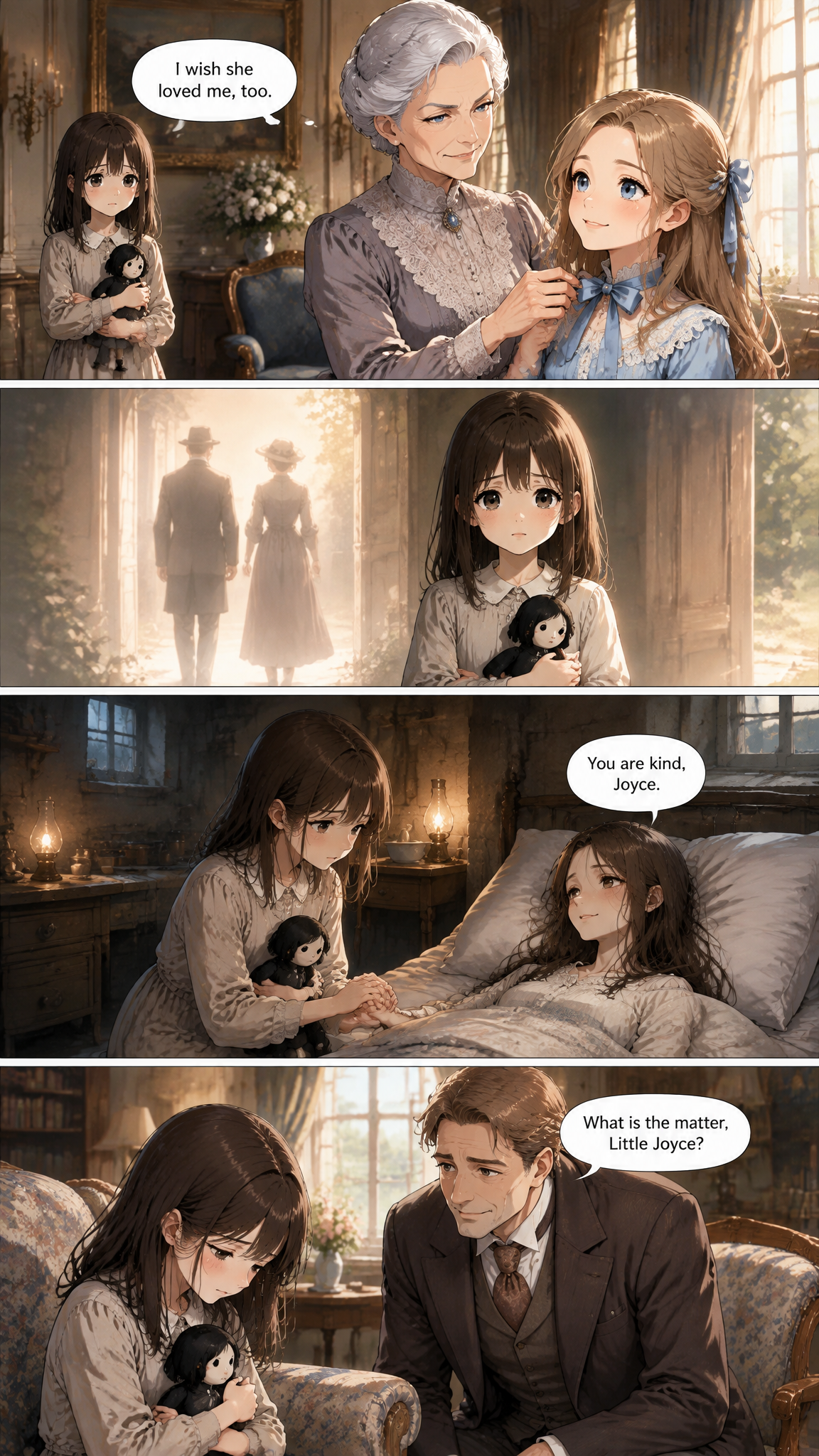
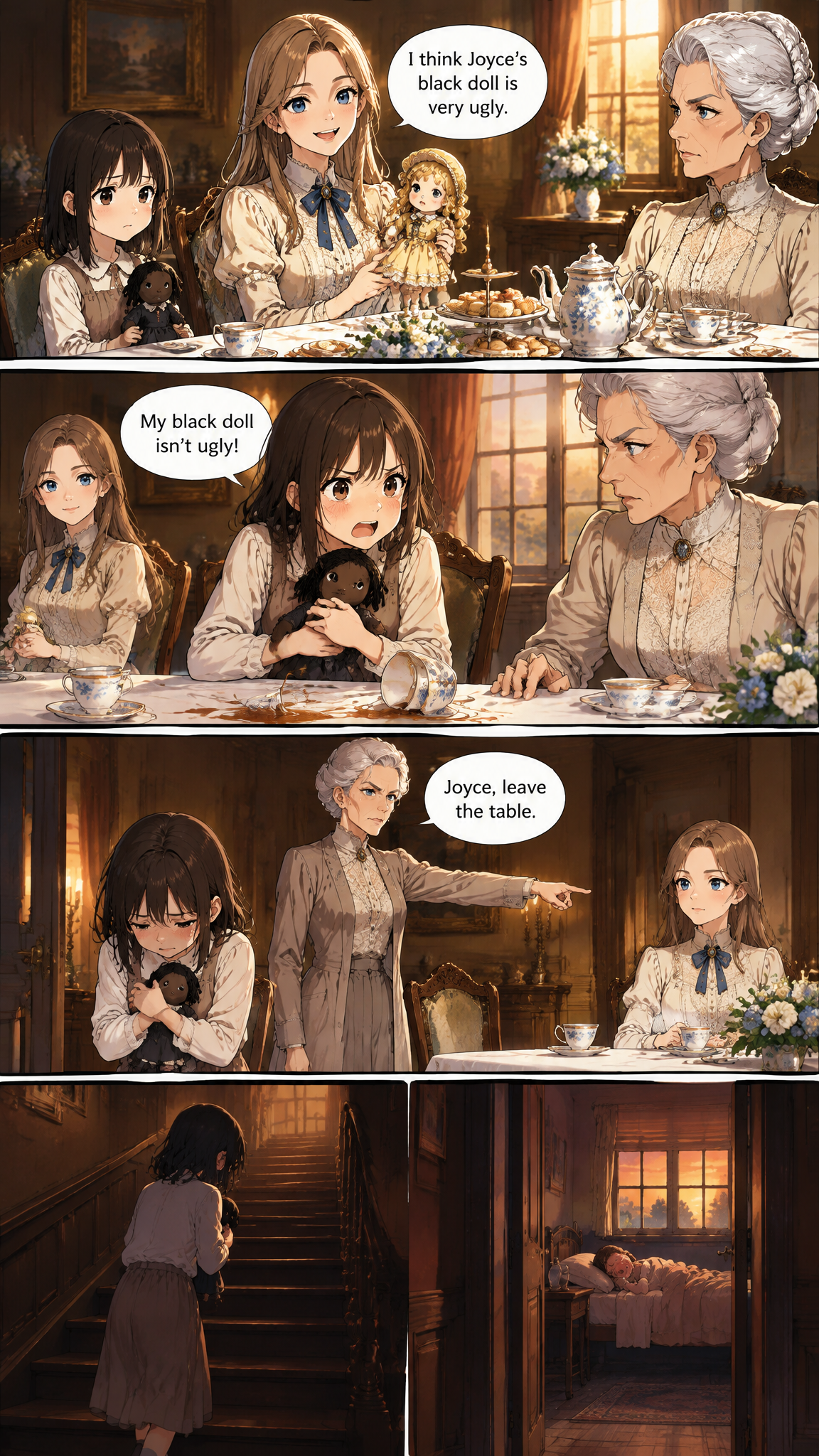
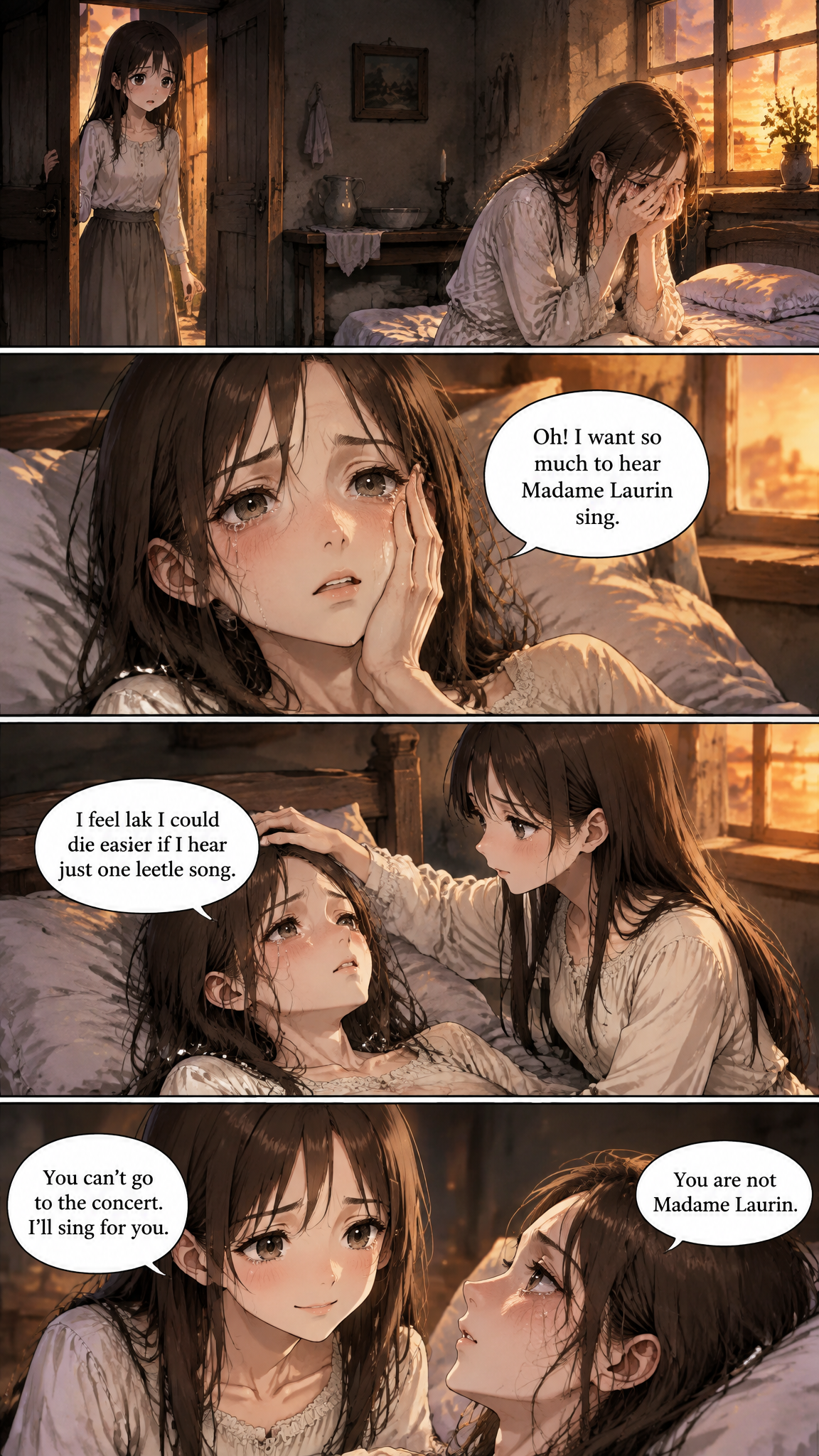
Pages drawn from The Little Black Doll
These pages and character sheets come from a public demo project. Inspect the artwork and lettering to see what the output looks like.
How it works
Three steps from text to pages
- 1
Upload the manuscript
Save the book as a plain TXT file and upload it. It is split into chapters automatically.
- 2
Choose the look
Pick one of six styles, write your own, or extract the style from a comic page you like.
- 3
Draw the chapters that matter
Start with the opening chapter or the scene you are proudest of. Nothing forces you to draw the book in order.
Why it works
What makes the pages worth reading
Draw only what you need
A pitch needs three strong chapters, not three hundred. Ask for exactly the chapters you want and pay only for those pages.
A consistent cast for the whole book
The protagonist, the rival and the mentor each get one reference sheet that every page reuses.
Redraw without starting over
"Make page 2 darker" or "she should look angrier here" — say it and that page is drawn again.
Pages ready to use
Download a chapter's pages or all the pages on screen for your pitch deck, website or crowdfunding page.
Who uses it
Made for people who already have the story
Authors pitching a graphic novel adaptation
Show a publisher or agent sample pages instead of describing them.
Self-publishers
Create comic excerpts to promote a book launch.
Teachers and book clubs
Turn a chapter of a public-domain book into pages students can discuss.
Crowdfunding creators
Put real sample pages on your campaign page.
Frequently asked questions
What file format should my book be in?
A UTF-8 plain text (.txt) file. If your book is in Word or Google Docs, save or download it as plain text first. You can also paste chapters in by hand.
Can I adapt a book I did not write?
Adapt your own writing or works in the public domain. Our demo projects use Pride and Prejudice and The Little Black Doll, both public domain.
Do I have to draw the whole book?
No. Draw any chapter, in any order.
Can I use the pages commercially?
Yes, if the book is yours, in the public domain, or licensed to you; adapting someone else's copyrighted book needs their permission. In the US the AI-drawn images on their own generally cannot be copyrighted, and Amazon KDP asks you to disclose AI-generated images.
Your story is ready. The pages are not, yet.
Start a project, bring a chapter, and ask for it to be drawn.
Start my comic