Web novel to webtoon AI
Turn your web novel into a webtoon
Set the project to portrait pages and the Korean webtoon look, upload your chapters, and ask for an episode. Each chapter comes back as vertical pages built for reading on a phone.
- No drawing
- No prompts to write
- Same faces on every page
- No subscription
Real output
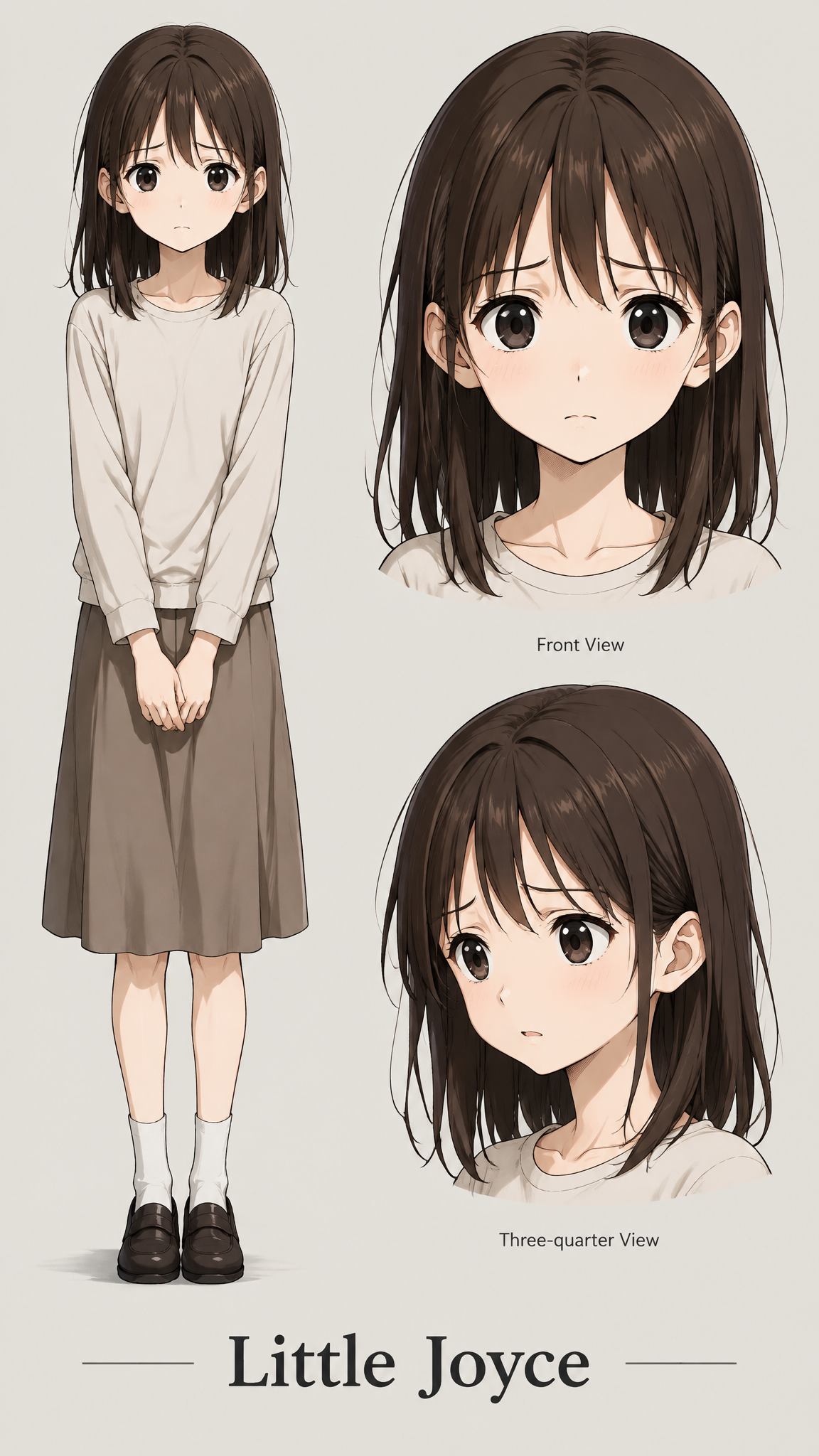
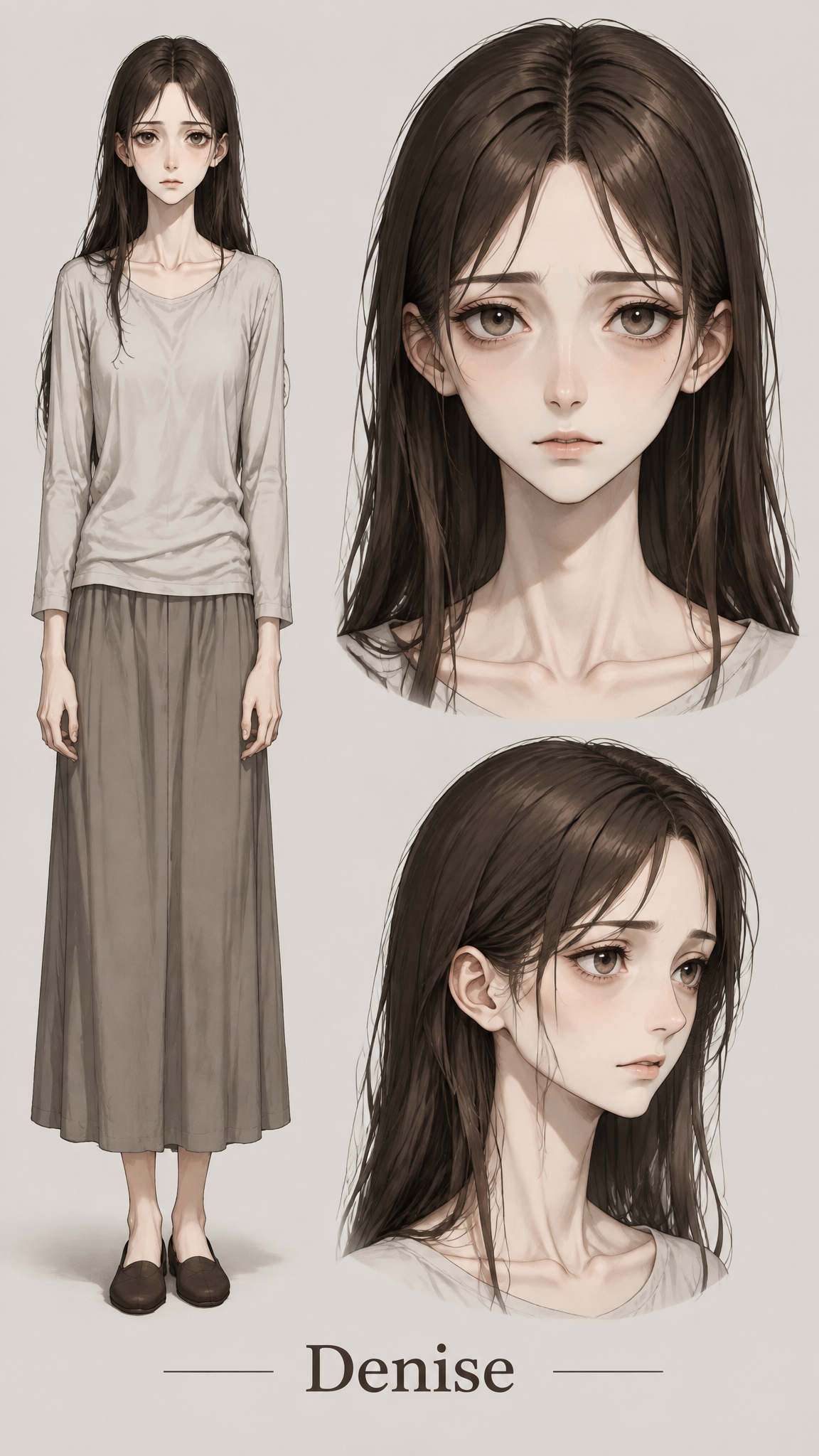
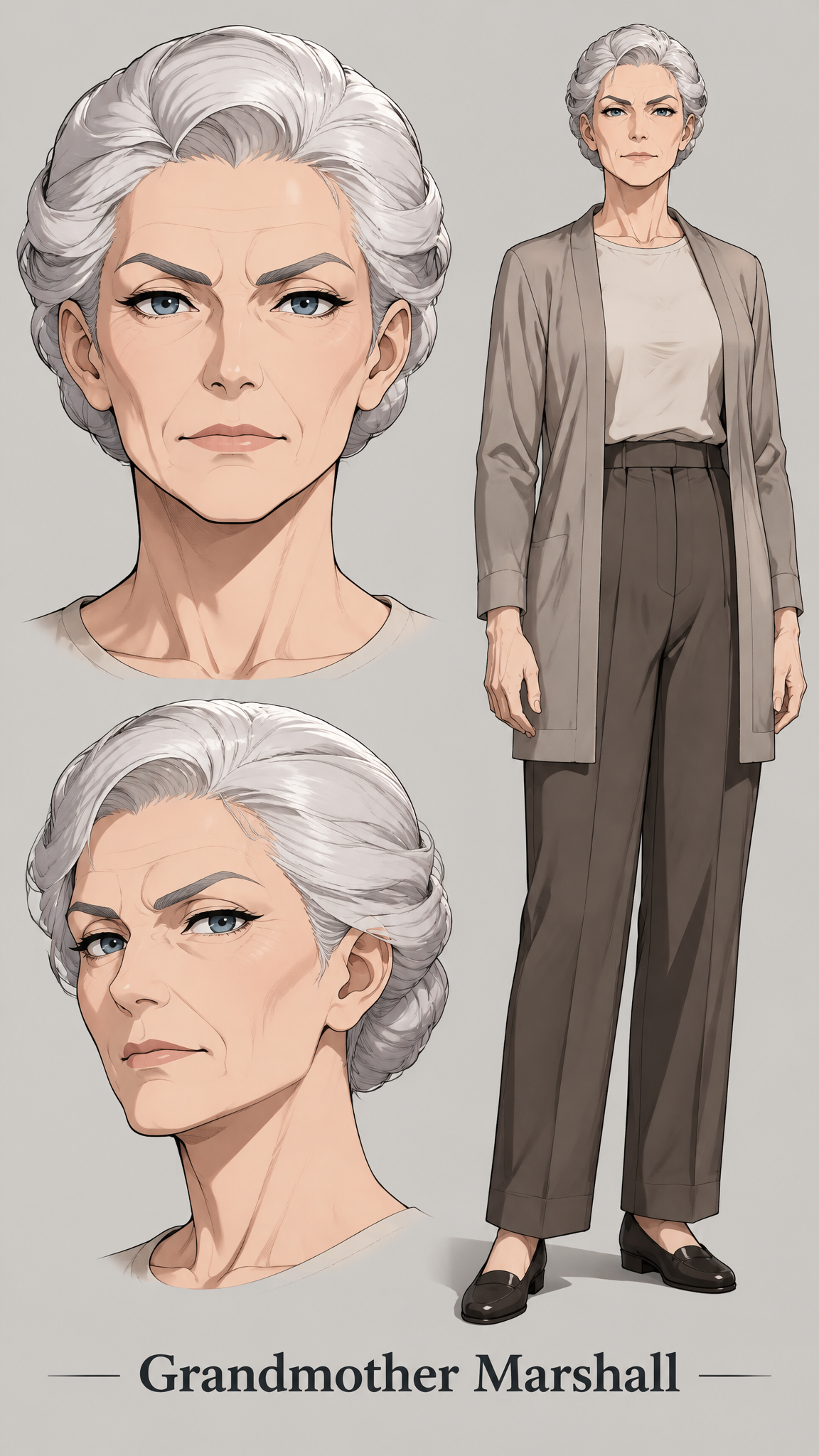
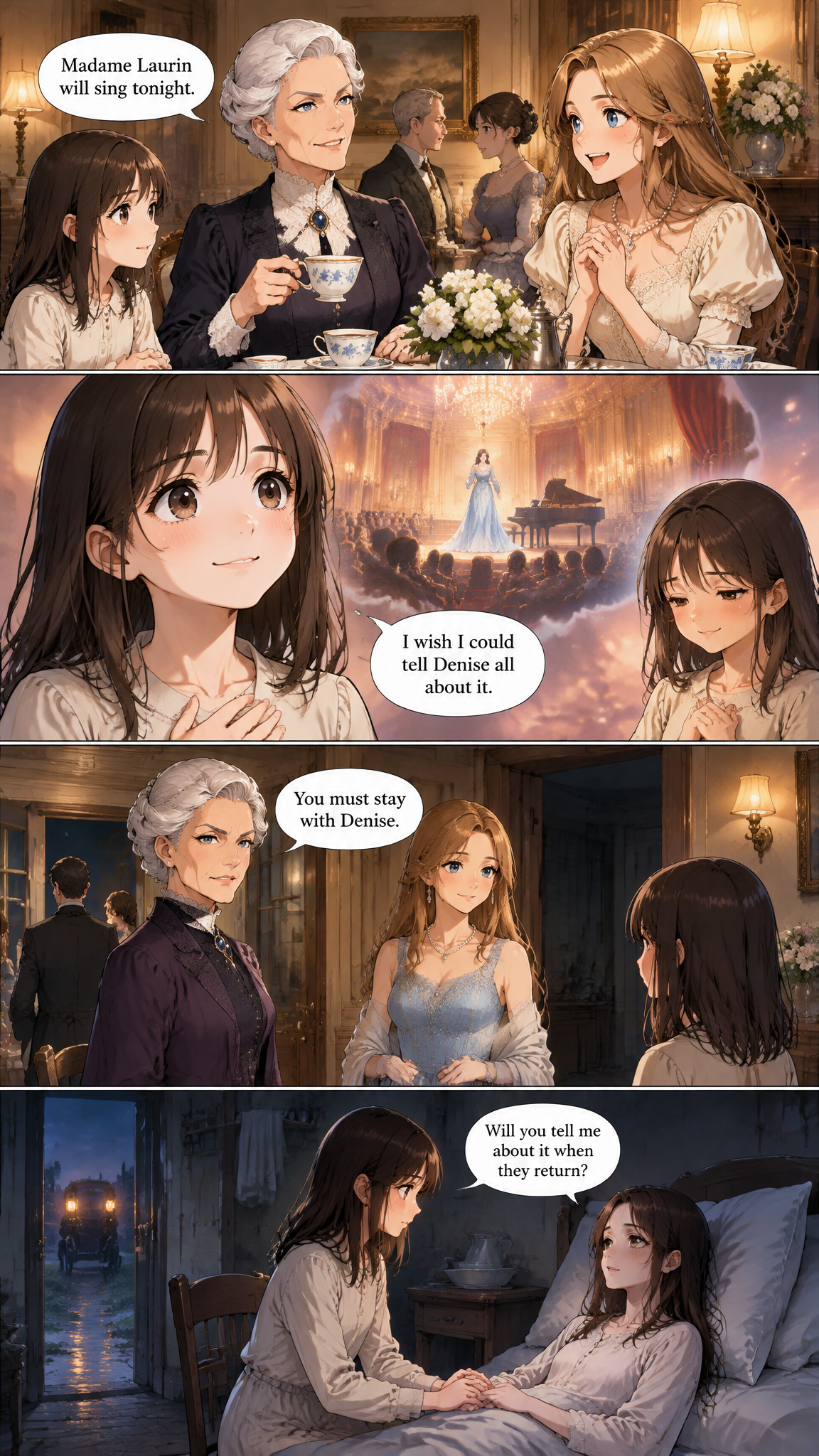
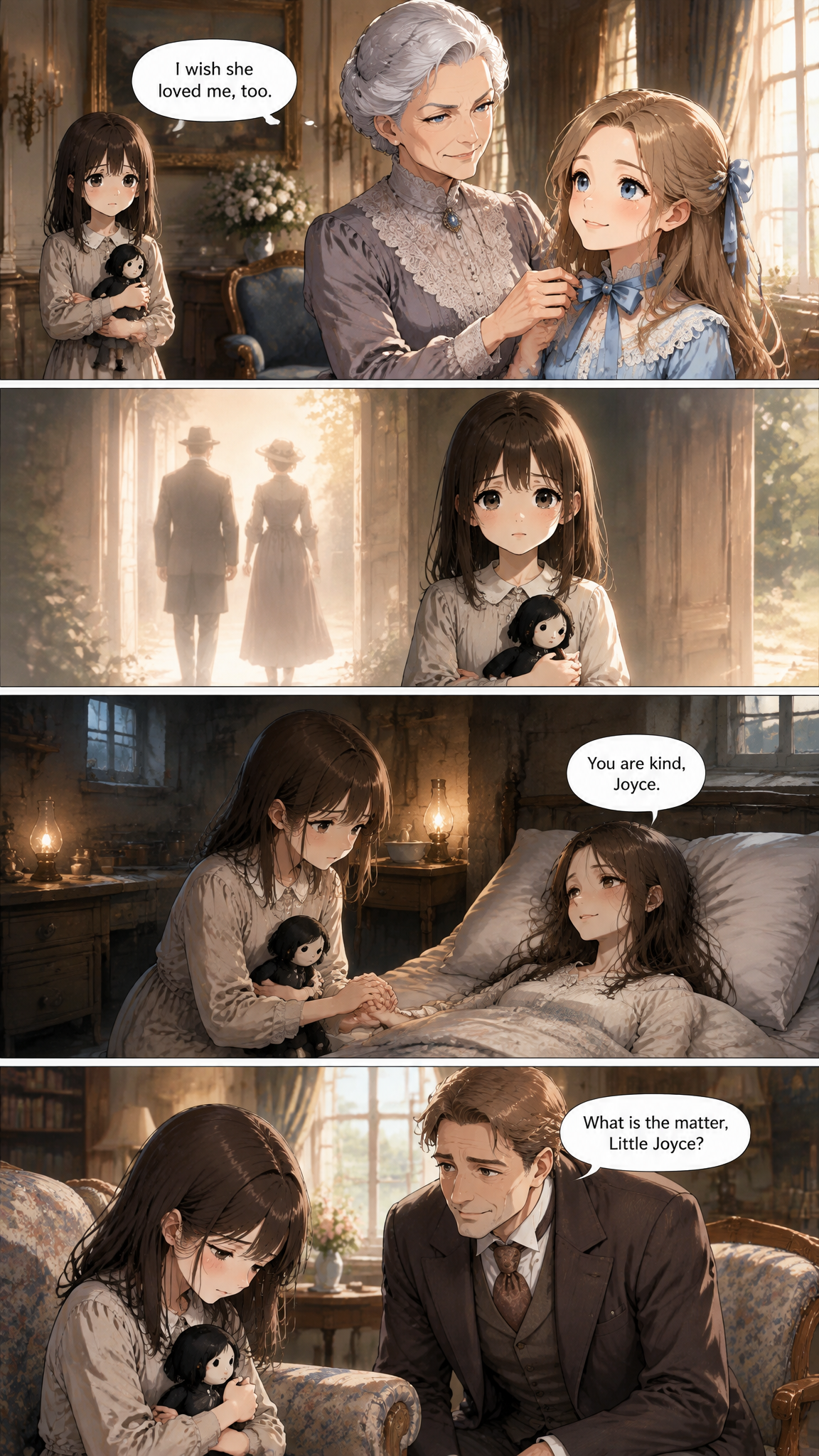
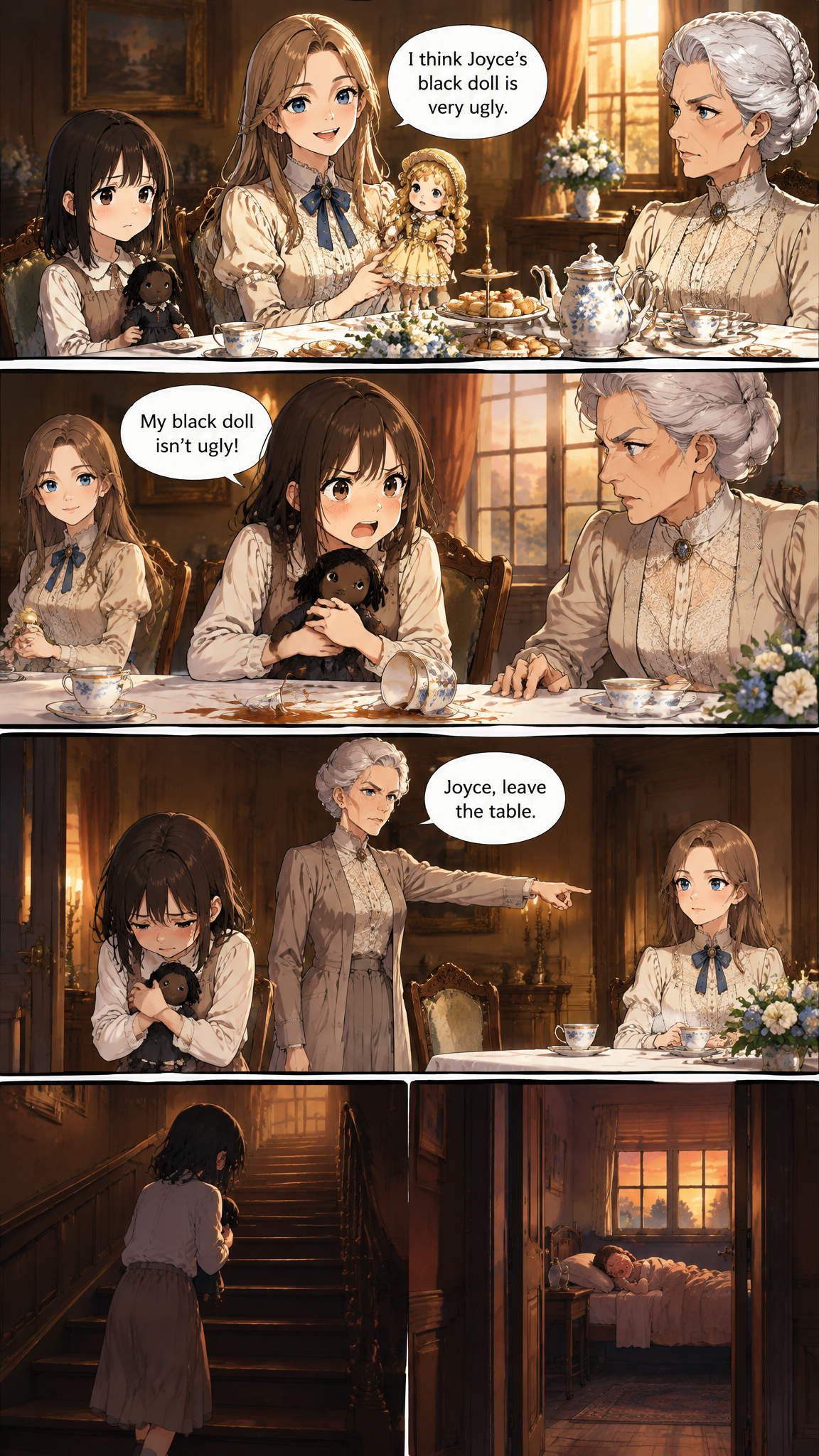
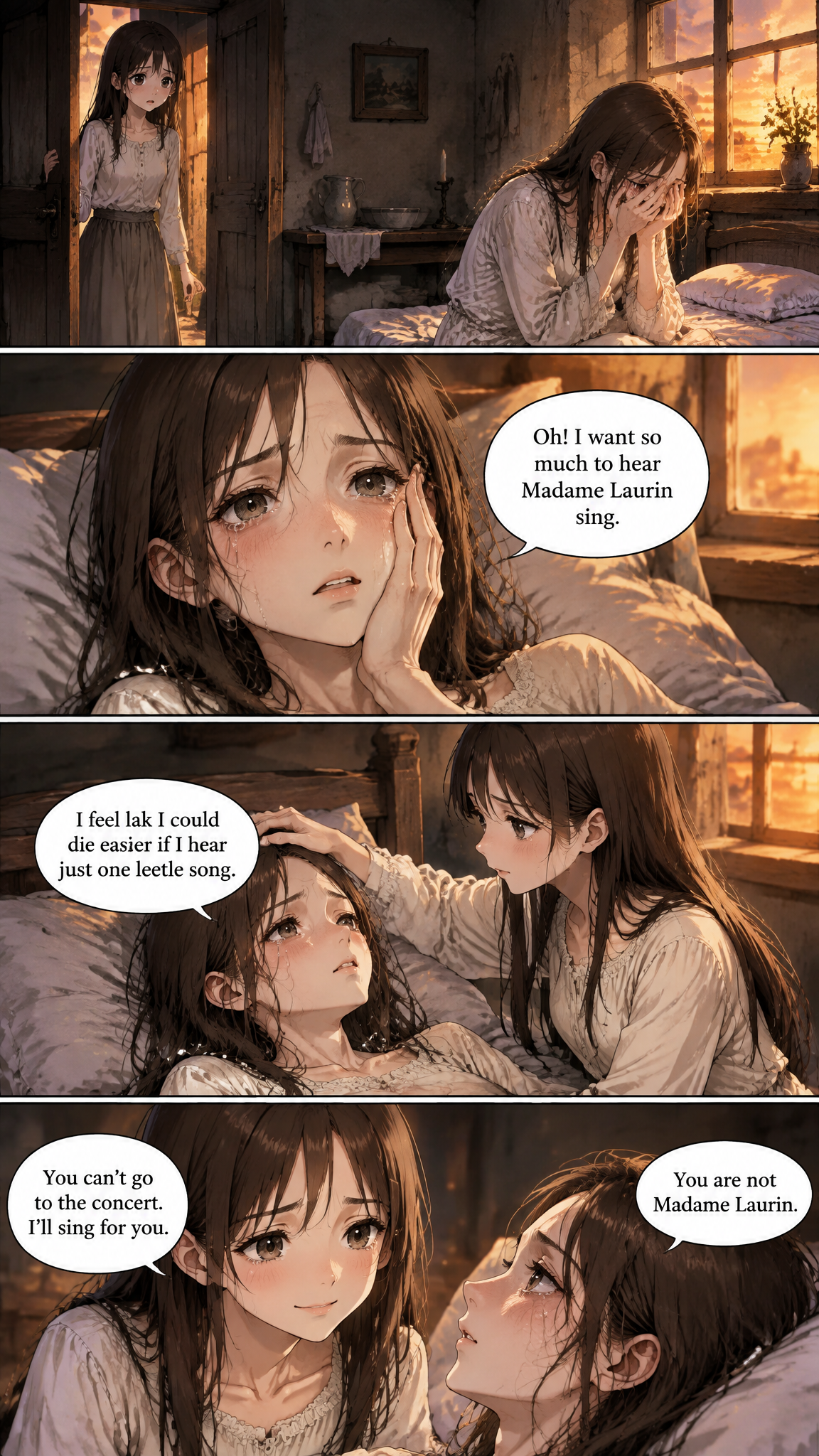
Pages drawn from The Little Black Doll
These are unedited pages from one of our demo projects, drawn by the same assistant you will use.
How it works
Three steps from text to pages
- 1
Set up the webtoon look
Create a project with the Korean webtoon preset and the 9:16 portrait shape.
- 2
Import your chapters
Upload the novel as a TXT file, or paste your latest chapters. Serialized stories can keep adding chapters as they are written.
- 3
Draw an episode
Ask for a chapter. The pages come back in order and can be stacked into one vertical episode.
Why it works
What makes the pages worth reading
Built for the phone screen
Portrait 9:16 pages match how webtoon readers scroll, so there is no awkward cropping when you post them.
A cast that survives 200 episodes
Recurring characters get a reference sheet once. The assistant reuses it every episode, and adds a new version only when the story permanently changes someone.
Keeps up with a serial
Add new chapters as you publish them and ask for the next episode. The assistant remembers the art direction from earlier episodes.
Places look the same too
The throne room or the school rooftop your story keeps returning to can get its own background reference, so it does not redesign itself every time.
Who uses it
Made for people who already have the story
Web novel authors
Add a visual episode alongside your text chapters to pull new readers in.
Writers pitching to webtoon platforms
Show an editor what the first episodes would look like.
Romance fantasy and regression writers
The Korean webtoon preset suits the genres that dominate the format.
Readers who want to adapt a favorite
Draw a story you love as the webtoon it never got.
Frequently asked questions
What size are the webtoon pages?
Pages are generated in 9:16 portrait. Before uploading to a platform, check its current width and file-size rules — our free webtoon canvas size calculator does the math.
Can I make a whole episode at once?
Yes. Ask for a chapter and the assistant draws as many pages as the chapter needs, in order.
Will the main character look the same in episode 50?
Yes. The reference sheet drawn for them is reused on every page. If the story changes them for good, a new version is used from that chapter onward and earlier episodes keep the original look.
Do I need to know how to draw or write prompts?
No. You bring the story; the assistant handles the drawing and the image instructions.
More ways to turn words into comics
Guides worth reading
Your story is ready. The pages are not, yet.
Start a project, bring a chapter, and ask for it to be drawn.
Start my comic